VAT Calculator UK: Add or Remove VAT Instantly with Accurate Results
Nobody likes stopping mid-invoice to work out VAT by hand. You already have the amount; you just need the answer fast. See also Add VAT Calculator & Remove VAT Calculator
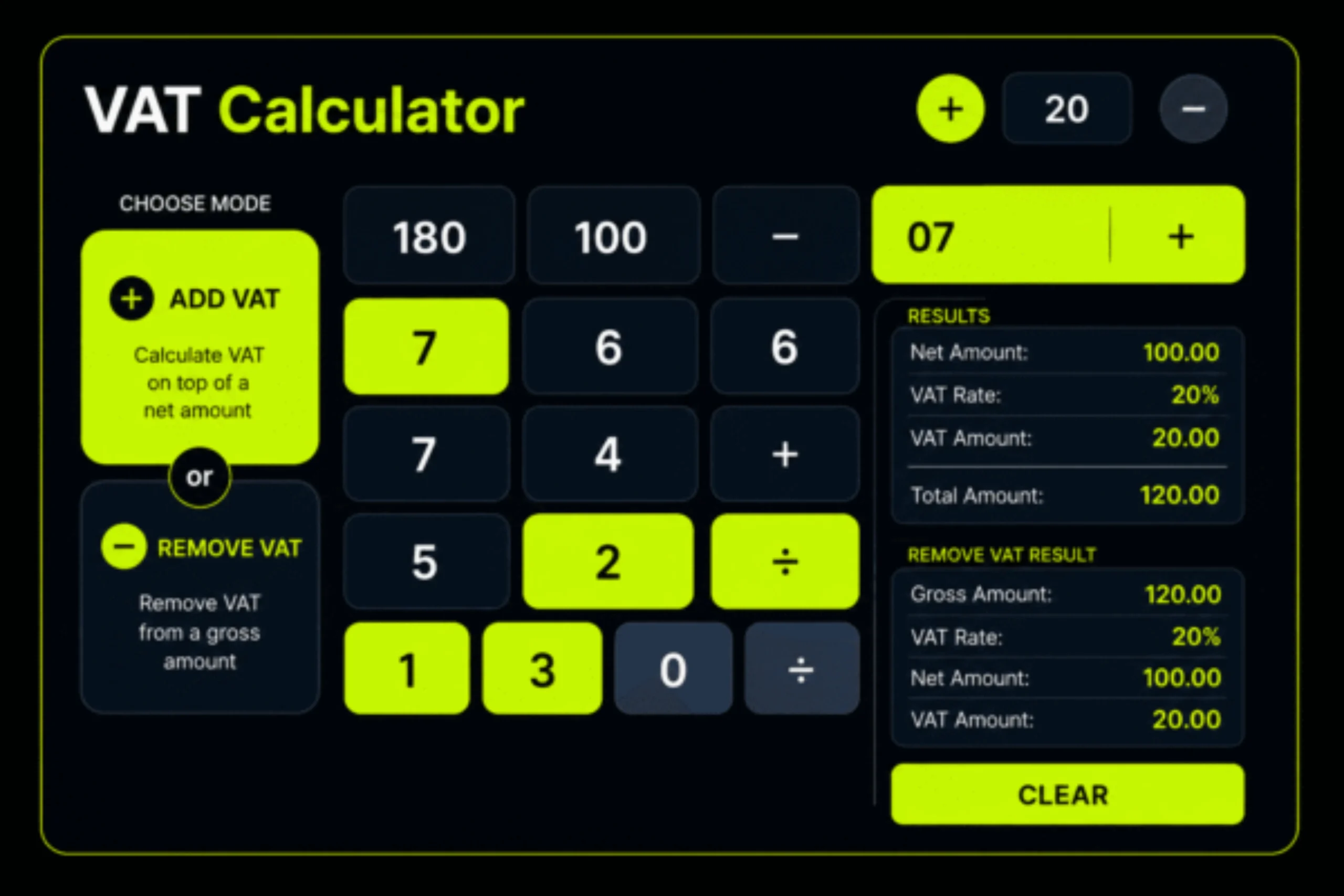
VAT Calculator
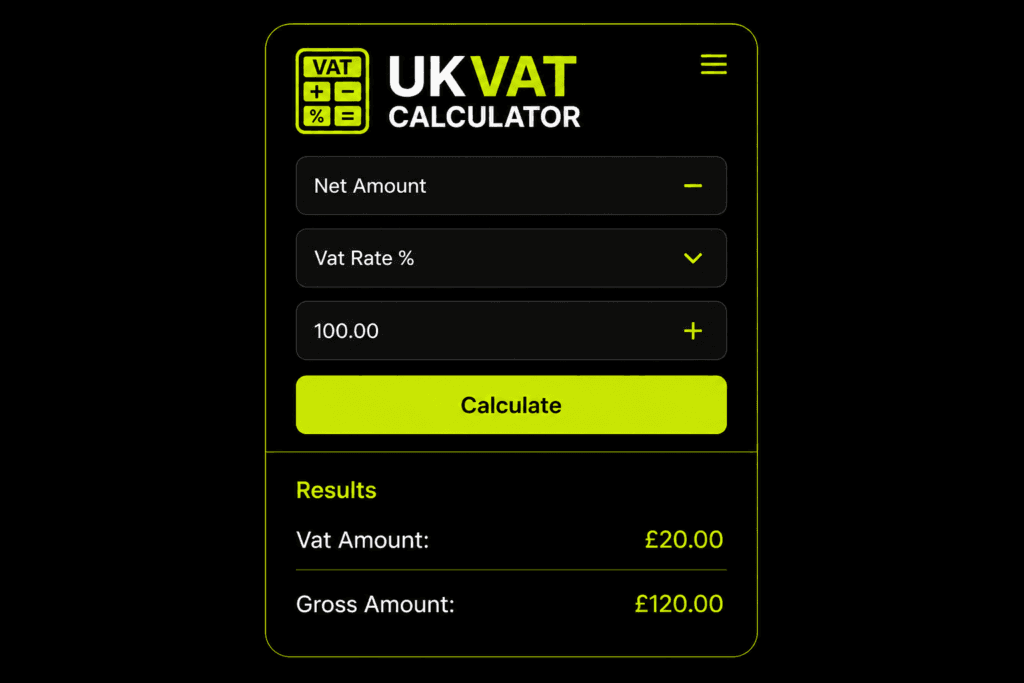
Add or remove VAT instantly with live calculations.
Enter the amount before or after VAT depending on the selected mode.
Results
VAT Amount
£0.00
Total Amount
£0.00
UK VAT Calculator
Nobody likes stopping mid-invoice to work out VAT by hand. You already have the amount; you just need the answer fast.See also VAT Formula
Sometimes you have a base price and need the total. Sometimes you have the final amount and need to strip the VAT out. Both are common, and both are annoying to do manually.
A VAT calculator solves this instantly. Enter the amount, get the result. No manual checking, no errors. For freelancers, businesses, and contractors, that speed saves real time.
Clear numbers mean better pricing, cleaner invoices, and faster decisions.
What Is VAT?
VAT stands for Value Added Tax. It is a tax applied to most goods and services, usually built into the final price. Most people only notice it when they need to break a total down.
That is where confusion starts. One person sees an invoice and wonders whether VAT is already included or still needs to be added. Another is setting a price and wants to know what the customer will actually pay. VAT is not complicated — the problem is that people need the answer quickly, not after reading a lengthy explanation.
For businesses, getting VAT right is important. A small pricing mistake affects invoices, margins, and records. Errors repeated daily become costly problems. That is exactly why so many freelancers, sellers, and business owners rely on a VAT calculator.
How It Works
1
Enter Net Amount
Enter the price before VAT.
Example: £100.00
2
Select VAT Rate
Choose the VAT percentage you want to calculate.
Example: 20% VAT
3
Get Final Result
The calculator instantly shows VAT amount and total price.
VAT Amount: £20.00
Total Amount: £120.00
Why People Use a VAT Calculator:
The simplest answer is that it saves time.
People do not search for a VAT calculator out of curiosity. They search because they need a number right now. A freelancer is finishing an invoice. A small business is checking supplier costs. An online seller is updating prices. Someone is just trying to understand why a total looks higher than expected.
In every case, the need is the same: to get the VAT figure without slowing everything else down.
There is also a confidence factor. When quoting prices to clients or filling out invoices, nobody wants to look unsure. A calculator that gives the answer instantly makes the whole process feel more professional. You are not estimating. You are not guessing. You know exactly what the numbers are.
Why UK VAT Calculator?
See how we compare to typical VAT calculators
Features | VAT Calculator | Typical Calculators |
Adding VAT to a Price:
Removing VAT from a Total:
The opposite situation comes up just as often.
Why VAT Feels More Confusing Than It Should:
Most people are perfectly capable of understanding VAT. The problem is not intelligence. The problem is interruption.
VAT usually shows up when someone is already busy doing something else. They are preparing an invoice, sending a quote, checking bills, updating prices, or reviewing costs. They do not sit down thinking, “Now I would love to study tax calculations.” They just want to get through the task in front of them without making an error.
That is why so many VAT pages online miss the point. They explain too much and help too little. They throw formulas at the reader without first understanding why the reader is there.
What people usually want is simple. They want the number. They want to know what is included, what is not, and what the final total should be. The more quickly a page gives them that clarity, the more useful it becomes.
Simplified Example of the Process of VAT
Think of a product or service as having a base value. That is the original price before tax. Once VAT is applied, the total increases. The customer usually sees the final figure, but behind that number, there are two separate parts: the original amount and the VAT amount.
That is why VAT calculators matter. They make the hidden part visible.
Instead of staring at one total and wondering what sits inside it, you get a clear breakdown. You can see what belongs to the price itself and what belongs to tax. That sounds basic, but in real life, it is extremely useful. It makes invoices easier to read, pricing easier to explain, and costs easier to manage.
VAT vs. Sales Tax
People often use VAT and sales tax interchangeably, but they are not the same. For most users, though, the technical difference matters less than the practical one. They just want to know how tax affects the number in front of them.
And that is what this page focuses on. Visitors are not here for a tax lecture. They are here because they need help with a figure. If the page makes that figure clearer, it has done its job.
How to Work Out VAT Without Overthinking It
A lot of the confusion disappears once you know where you are starting.
If you start with the original price, you are adding VAT.
If you start with the final price, you are removing VAT.
Once that is clear, everything else is straightforward.
The reason a VAT calculator is valuable is that it removes the need to think about the process every single time. You do not have to stop and ask yourself whether you are using the right method. The tool handles it for you. That makes it useful not just for one-off checks, but for everyday business use.
Using the VAT Calculator
A good calculator should not feel complicated. It should do the job in a few seconds.
You enter the amount. You choose whether you want to add VAT or remove it. Then the result appears.
Ideally, the result should show more than one figure. It should make the breakdown obvious. That means showing the original amount, the VAT amount, and the final total. When those numbers are presented clearly, the user does not need to guess what they are looking at.
That clarity is what makes a calculator worth returning to. If a tool feels easy, people trust it. If they trust it, they come back.
VAT Calculator for Small Businesses:
For small businesses, VAT comes up constantly.
It appears in invoices, quotes, bills, supplier costs, service pricing, and product margins. A business owner may not spend all day thinking about taxes, but they still need the numbers to be correct. And when business is busy, small tools that save time become more valuable than people expect.
That is one reason a VAT calculator is so useful in real working life. It is simple, but it solves a repeated problem. Instead of interrupting your day every time you need to check VAT, you can get the answer straight away and move on.
Over time, that convenience adds up. It keeps pricing more consistent, invoices more accurate, and records easier to understand.
Why Clear Content Matters on a VAT Page
Most pages on this topic feel like they were written to fill space rather than help anyone. Same stiff phrases, unnecessary jargon, flat writing. The information might be correct but the page still feels like a chore to read.
Good content works differently. It sounds natural. It explains what people actually want to know without trying too hard. It just makes the topic easier.
That matters because clarity builds trust. When the writing feels human, the tool feels more reliable, too. People stay longer, use the calculator, and come back when they need it again.
Common Situations Where a VAT Calculator Helps:
There are plenty of everyday situations where a VAT calculator proves useful.
A freelancer may be sending a quote and wants to make sure the total looks right before it goes to the client.
A contractor may be checking whether VAT has already been included in a bill.
A retailer may be reviewing prices before updating a website.
A small business owner may be comparing supplier costs and trying to understand the real amount before tax.
A customer may simply be trying to make sense of a receipt.
The exact situation changes, but the need is always familiar. People want the numbers to make sense without wasting time.
Conclusion
A VAT calculator may seem like a small tool, but it solves a problem people run into every day. Prices are easier to understand when the tax is clear. Invoices are easier to prepare when the totals are correct. Costs are easier to manage when you can quickly separate the original amount from the VAT. That is what makes a good VAT calculator page valuable. It does not overcomplicate things. It does not bury the answer under stiff explanations. It simply helps people get clear figures quickly and move on with what they were doing. In the end, that is what most users want. Not a lecture. Not a wall of formulas. Just a simple, reliable way to understand the number in front of them.
Frequently Asked Questions!!
Users’ Review
According to user reviews, the VAT Calculator is fast, accurate, and easy to use, showing clear results for adding or removing VAT within seconds.
FAST & ACCURATE
This VAT Calculator gives quick and accurate results, making it easy to add or remove VAT without confusion.

SIMPLE TO USE
The tool is very easy to use, even for beginners, and shows the VAT amount and final price clearly.

GREAT FOR BUSINESS
A helpful calculator for shop owners and businesses who need fast VAT calculations for daily pricing.